A stickman that wrecks the page you’re looking at.
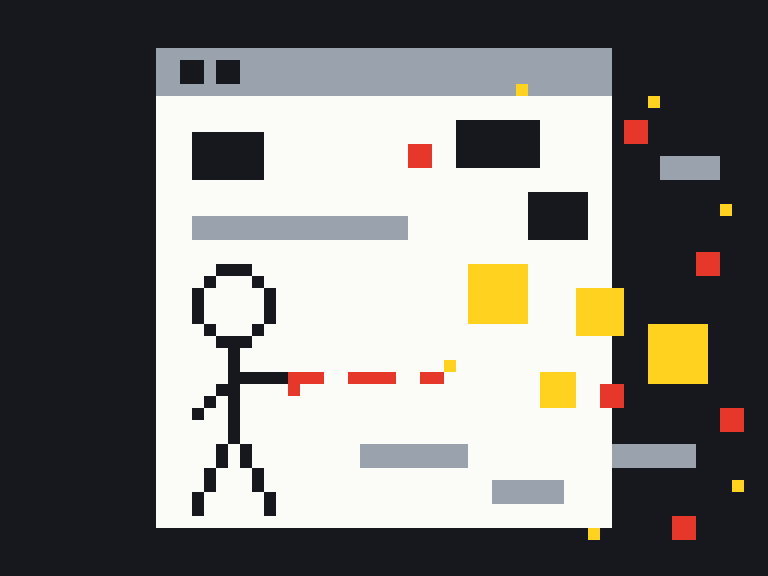
Words and images break loose, fall and explode. It is only visual and it only happens in your browser. The real website is not affected, and Esc puts everything back.
The Chrome extension runs the same game on whatever page you have open. Click its toolbar button or press AltShiftW to start, and Esc to put the page back.
Not on the Chrome Web Store yet.
Until it is, this page is the place to play.
How it works.
1
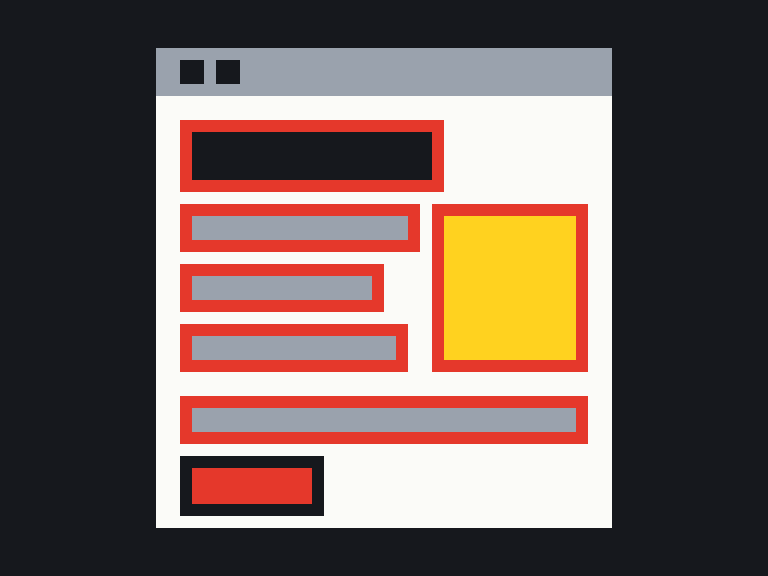
The game finds the words, images and boxes on the page and reads where they are.
2
It hides each piece as you hit it and draws the wreckage on a layer above the page, so nothing on the real site changes and nothing about the page leaves your browser.
3
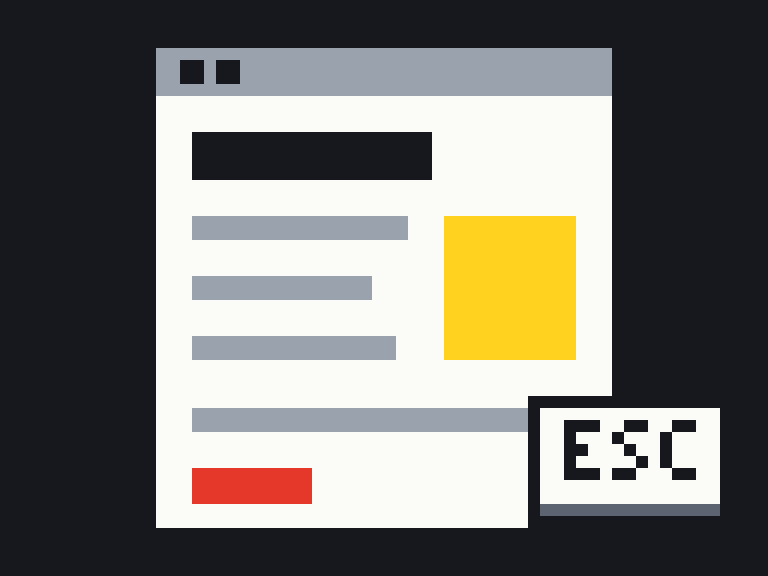
Press Esc or reload, and every piece is back where it was.


 1
1
 2
2
 3
3